

A crochet notebook or crochet crochet project journal isn’t just a place to store information – it’s a cozy companion for your creativity.
Whether you love the feel of pen and paper or prefer keeping everything neatly organized on your phone or laptop, having dedicated space for your crochet notes can help you stay inspired, track your progress, and plan projects with confidence.
Below, you’ll find a simple, flexible guide to setting up a crochet notebook or digital journal that actually supports the way you crochet.


Table of Contents
1. Why Keeping a Crochet Journal Helps You Stay Organized and Inspired
Crocheters juggle a lot: WIPs, yarn labels, stitch notes, pattern links, gauge swatches, gift ideas, and the occasional yarn chicken situation. A journal keeps everything in one easy-to-find place.
With a journal, you can:
- Track project progress
- Stay organized when juggling several WIPs
- Keep a yarn inventory you’ll actually use
- Reflect on what you’ve learned
- Plan projects ahead of time
- Avoid buying duplicate yarn (it happens to all of us!)
It also makes crochet feel more intentional and relaxing, since you never have to wonder where you put that important note.
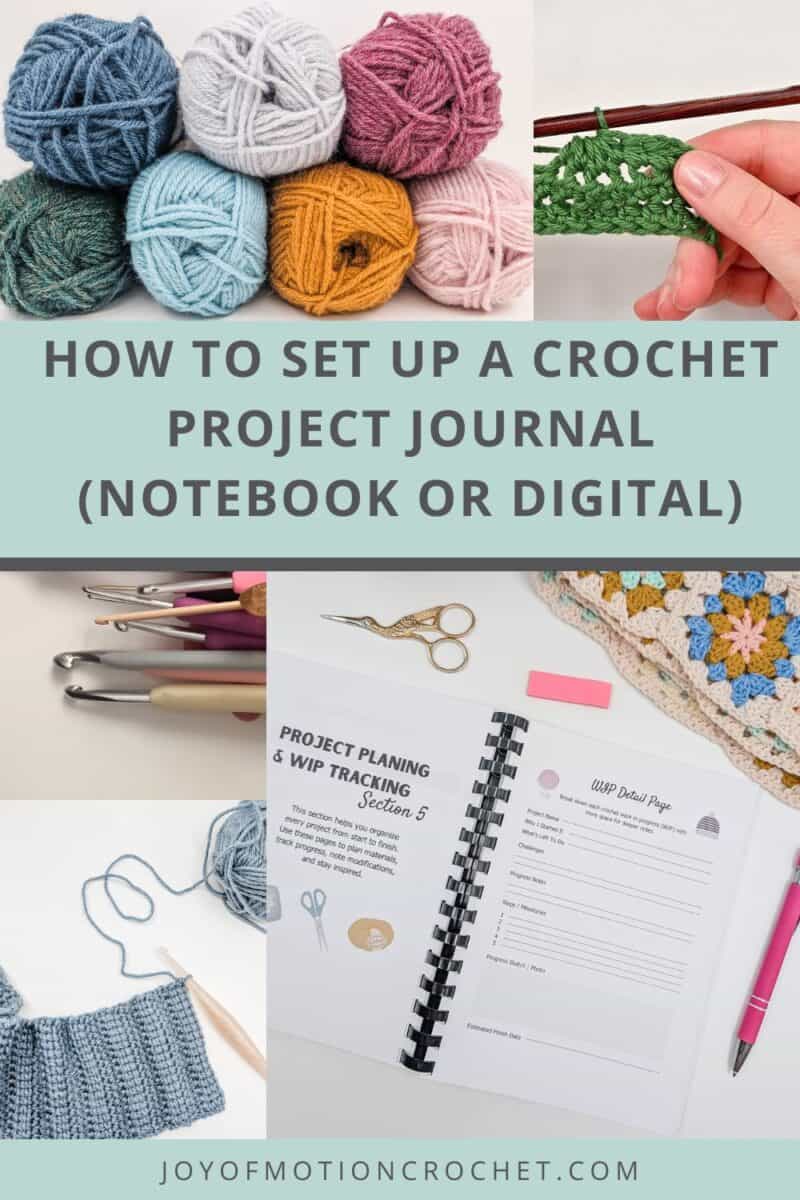
2. Crochet Notebook vs Digital Crochet Journal: How to Choose the Right Setup
Your crochet journal can be whatever you want it to be. Here are the three most common approaches:
A) Physical Crochet Notebook
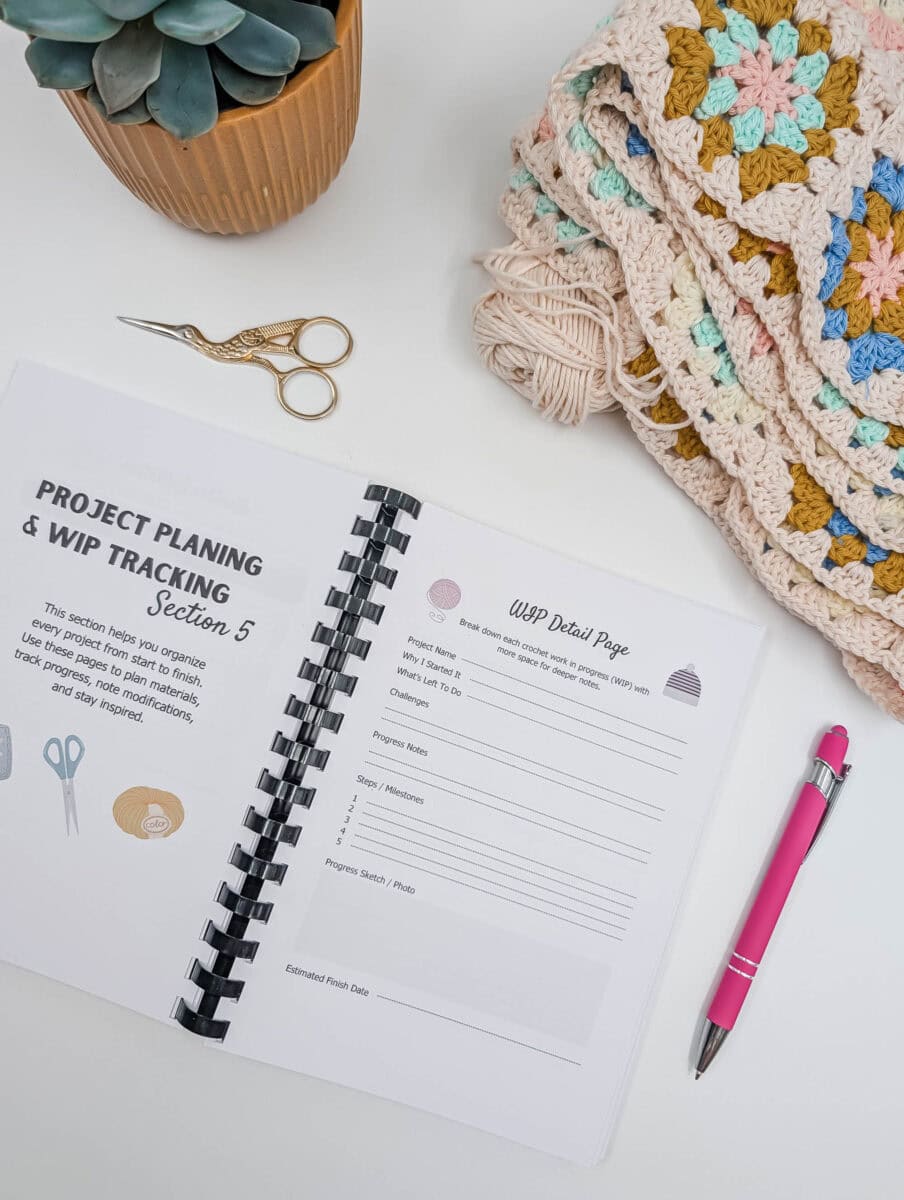
A classic notebook is perfect if you love handwriting, sketching ideas, and keeping printed patterns nearby.
Ideal notebook options:
- Dot grid or bullet journal-style
- Disc-bound systems you can rearrange
- A binder for printable pages
Great for:
- Swatching
- Sketches
- Quick handwritten notes
- Taping in yarn labels or photos
Would you like to save this?
We will email this pattern to you, so you can come back to it later.
Free, and you can unsubscribe any time.
B) Digital Crochet Project Journal
If you want something searchable and easy to update, a digital system may be your best fit.
Great tools for digital journals:
Perfect for:
- Adding photos of your WIPs
- Tracking lots of projects at once
- Searching quickly for past notes
- Syncing across devices
C) Hybrid Style
Many crocheters use both. For example:
- Keep your main plans in a physical notebook
- Track yarn inventory or pattern links digitally
- Print templates to tuck into your binder
It’s the best of both worlds.
3. Essential Crochet Project Journal Pages for Success
Your crochet journal should grow with you, and you can start with just a few pages.
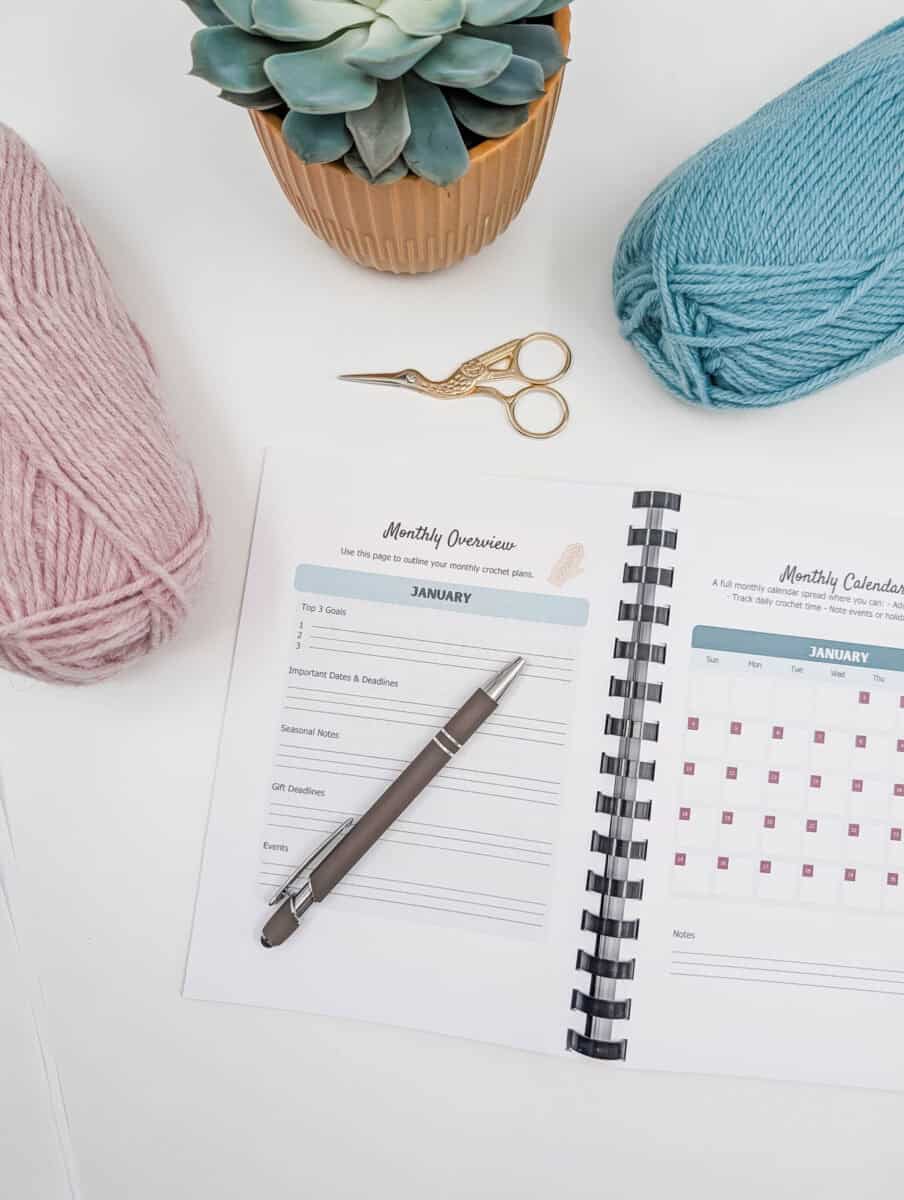
With the 2026 crochet planner you can journal and plan your year. But if you want your own system, here are helpful sections to consider:
A) Project Planning Pages
Essential for keeping track of each new project.
Include:
- Project name
- Pattern link
- Yarn, hook size, materials
- Gauge notes
- Modifications
- Start and finish dates
- Photos or sketches
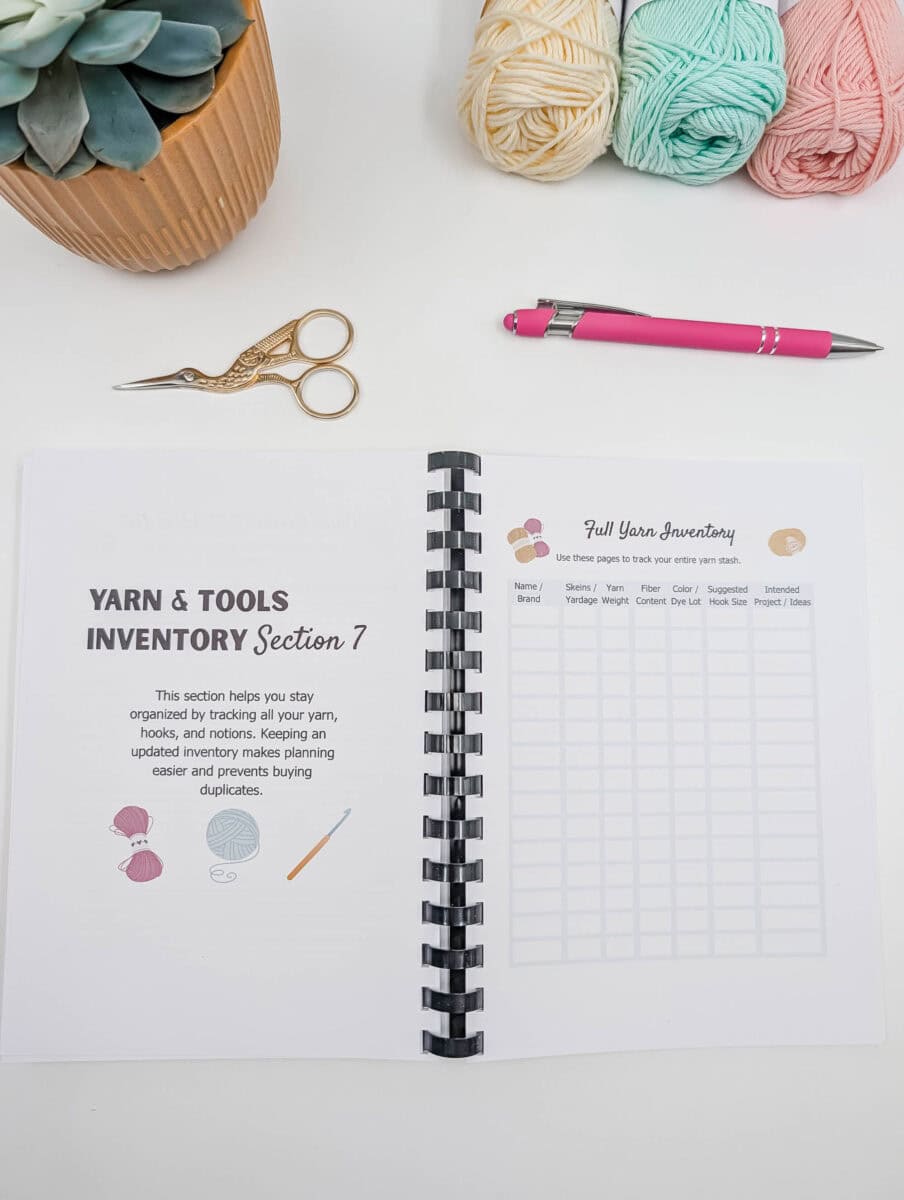
B) Yarn Inventory
A yarn stash page helps you make the most of what you already own.
Track:
- Fiber content
- Colorway and dye lot
- Weight category
- Quantity
- What it could be used for
C) WIP Tracker
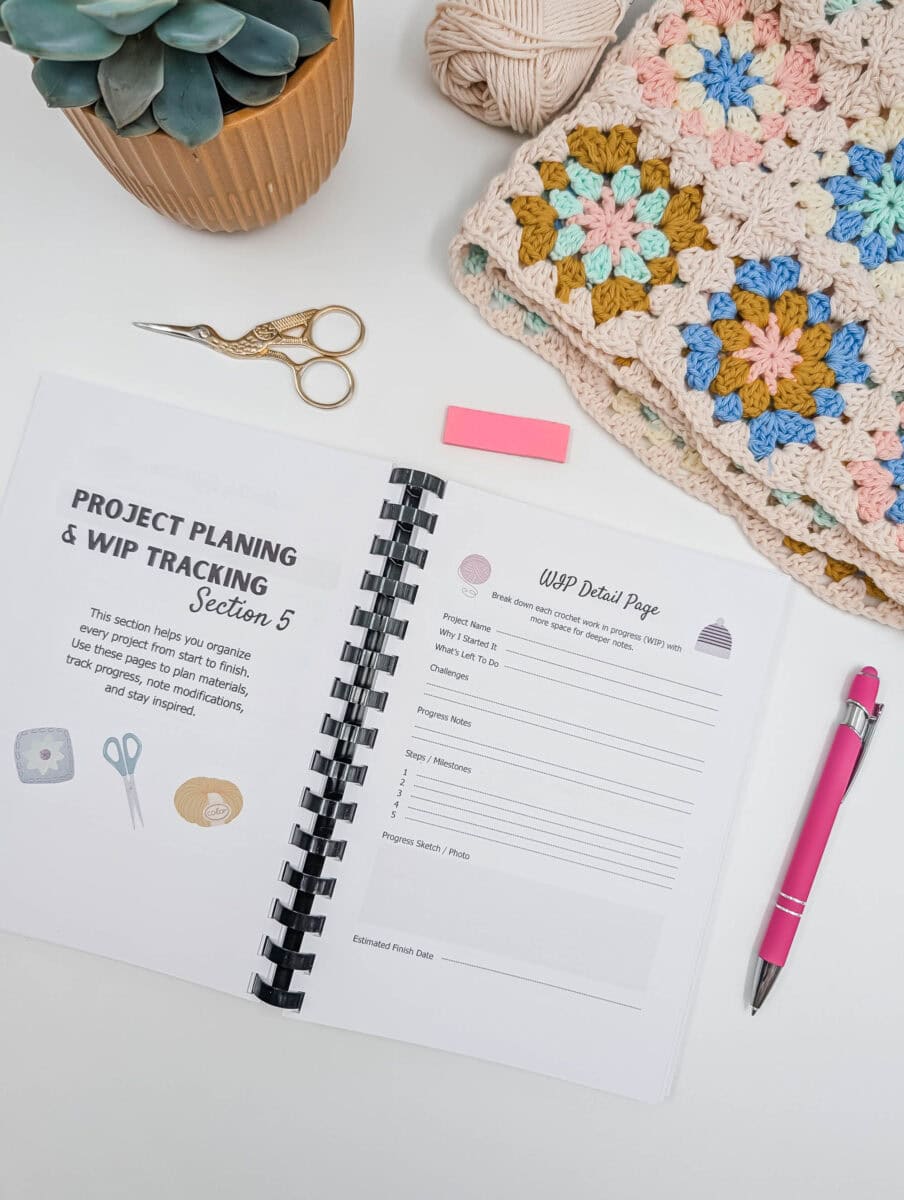
Perfect for staying on top of long-term projects.
Include:
- What’s unfinished
- What’s left to do
- Your next small action step
- Priority level
D) Finished Projects Log
Celebrate what you’ve completed.
Record:
- Photos of your makes
- Pattern links
- Who the project was for
- Lessons learned or modifications
- Yardage used
E) Gift Planning List
If you gift handmade items, a gift section is a lifesaver.
Keep track of:
- Birthdays and holidays
- Project ideas
- Status of each gift
F) Reflection Pages
These pages help you appreciate your progress.
Ideas to include:
- What you learned
- What you’d like to improve
- New stitches you discovered
- Crochet memories
4. How to Organize Your Crochet Journal for Better Workflow
A journal works best when it’s easy to keep up with.
A) Divide It Into Sections
Use tabs, bookmarks, or digital headers to keep things tidy.
B) Keep It Simple
Start with a few sections. You can always add more later.
C) Add Photos or Swatches
- Tape in physical swatches
- Paste yarn labels
- Add digital photos as you go
D) Review Regularly
A weekly or monthly check-in makes the journal truly useful.
5. Tips for Maintaining Your Crochet Notebook or Digital Journal
- Update it after a crochet session or once a week
- Keep your notebook in your project bag for quick access
- Save templates so you can duplicate pages easily
- Set a monthly reminder to maintain your yarn inventory or WIP list
Small steps make the biggest difference.
6. Optional Crochet Journal Pages to Personalize Your Setup
Depending on your crochet style, you may enjoy including:
- Swatch library
- Technique notes
- Pattern wish list
- Scrap yarn ideas
- Measurements reference
- “Dream Projects” list
- Monthly challenge prompts
These pages turn your journal into a long-term crochet companion.
7. Digital Crochet Templates vs Printable Planner Pages: Which Is Best?
If you’re someone who loves structure, try creating (or using) templates:
- Printable planning pages
- Digital planner spreads
- Ready-made project sheets
Mix and match what works best for you – your crochet journal should feel flexible and enjoyable.
8. Create a Crochet Journal That Works for You
There’s no right or wrong way to set up a crochet notebook or digital journal. Start simple, experiment, and let your journal evolve with your crochet journey.
Make it personal, make it cozy, and most importantly – make it yours.
Happy crocheting!